← Back to BrickForge

⚠️ Open Edges

What are open edges?

An STL file is made of triangles. Open edges appear when some triangles don't connect properly — leaving gaps or holes in the mesh. Most slicers can handle small numbers of open edges automatically, but larger issues may cause print failures or visible defects.


Why does this happen?

Original brick part files were designed for visual rendering, not 3D printing. BrickForge automatically repairs the geometry, but some parts are too complex to fix completely.


Do I always need to fix it?

Not always. Slicers often show warnings about open edges but still slice and print the file correctly. Fix only when the printed result actually has visible defects.


Example — Part #15092

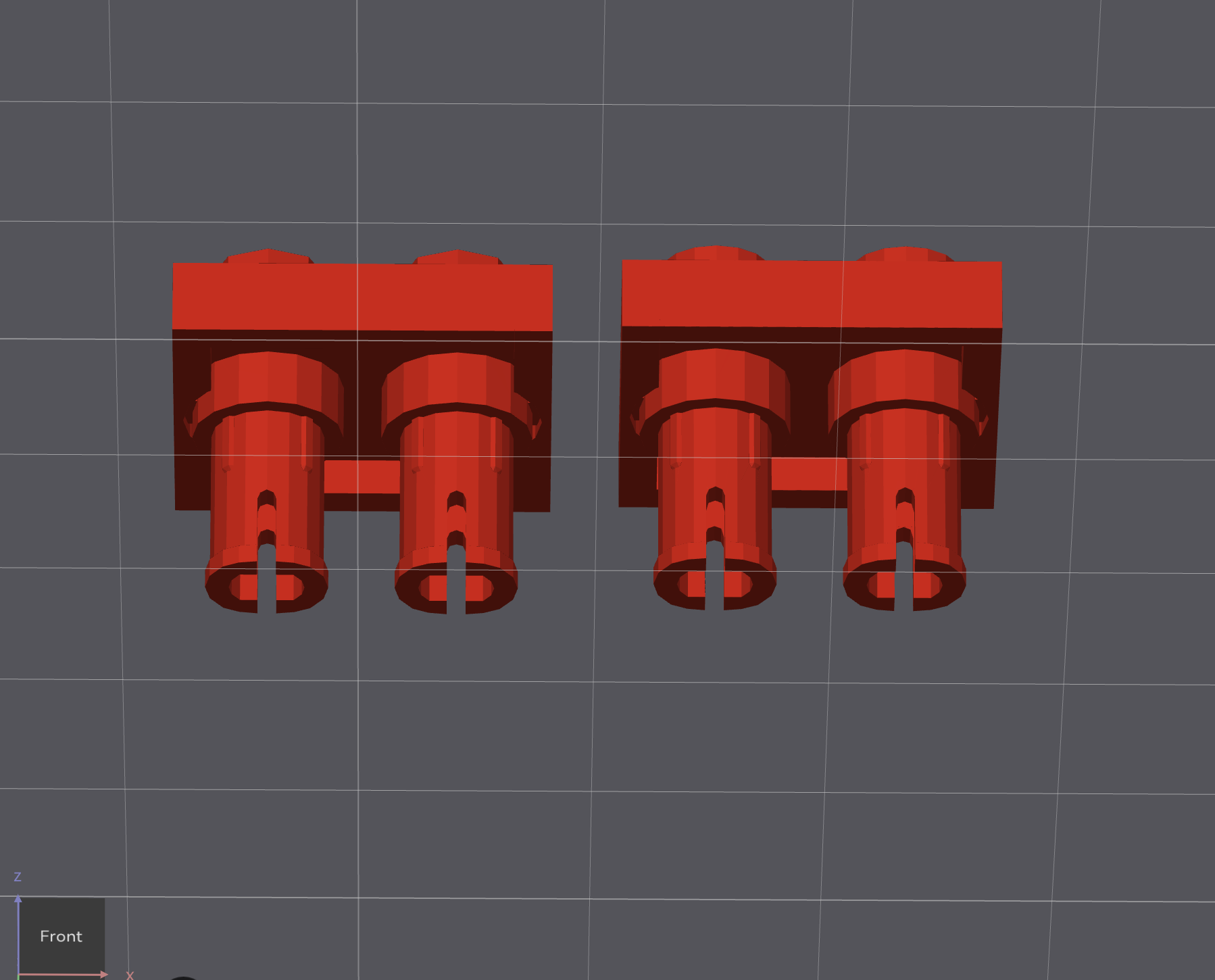
This part has broken geometry in both engines — gaps and disconnected mesh are clearly visible.
Part 15092 - broken geometry
Before repair — broken geometry, open gaps visible
Blender: 848 open edges LDView: 342 open edges

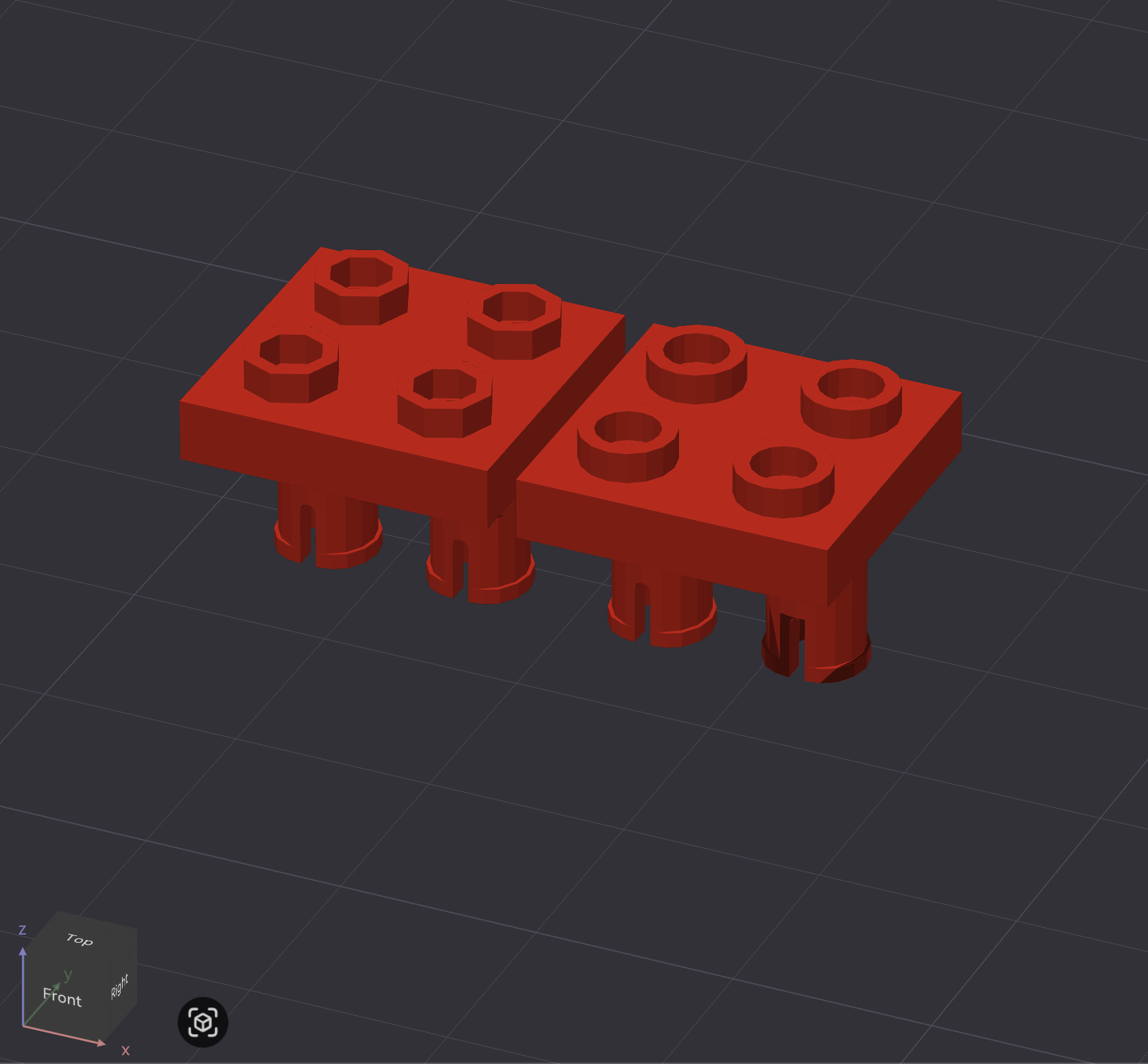
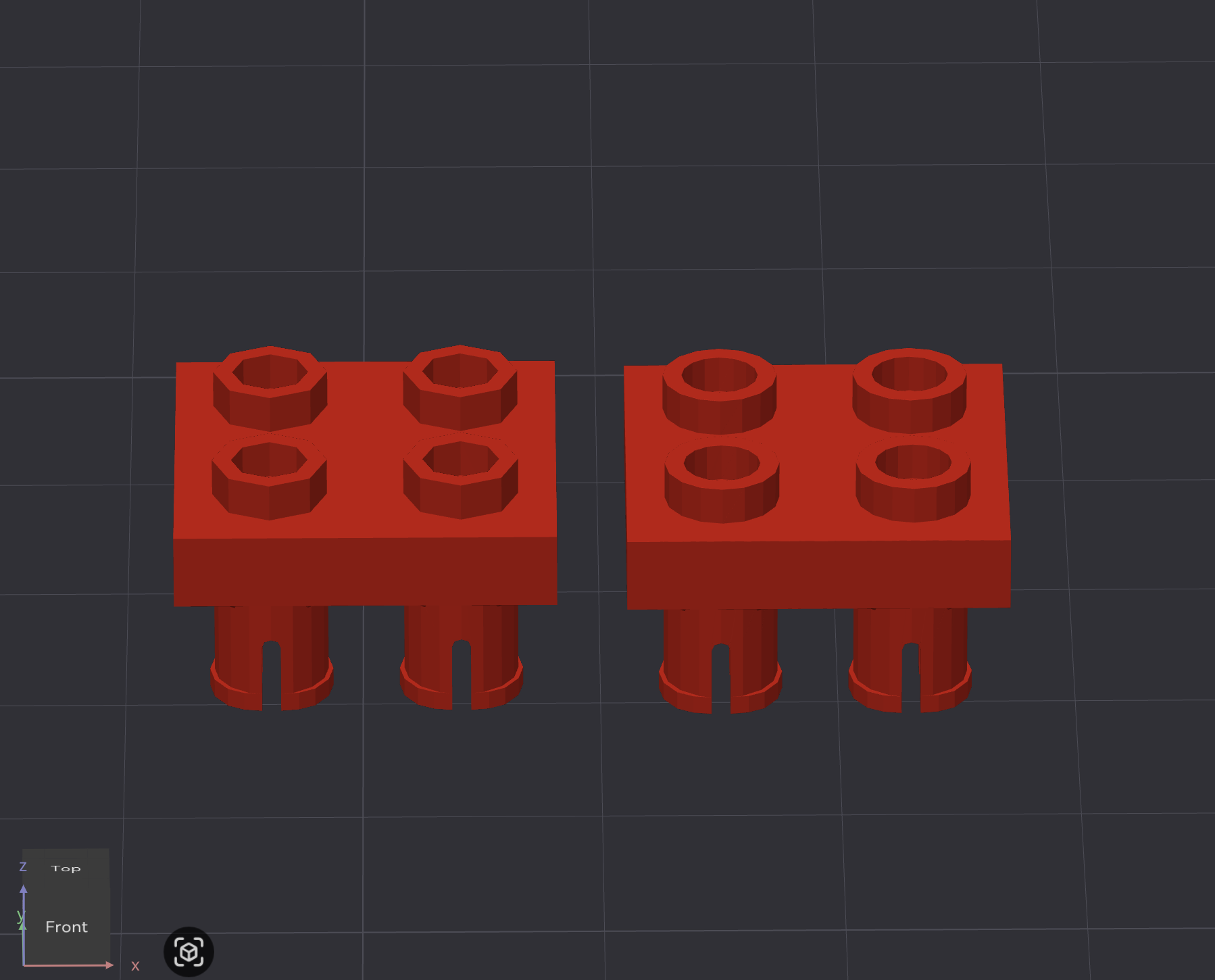
After uploading to formware.co both versions were repaired successfully.
Part 15092 fixed - top view
After repair — top view
Part 15092 fixed - bottom view
After repair — bottom view
Blender: 0 open edges · 10500 triangles LDView: 0 open edges · 2114 triangles

Triangle count increased significantly after repair, but both versions slice and print correctly.

How to fix

Upload your STL file to formware.co — free online STL repair tool. Download the repaired file and use it in your slicer.

BrickForge cannot repair files automatically — formware.co does not provide a public API. Repair has to be done manually.